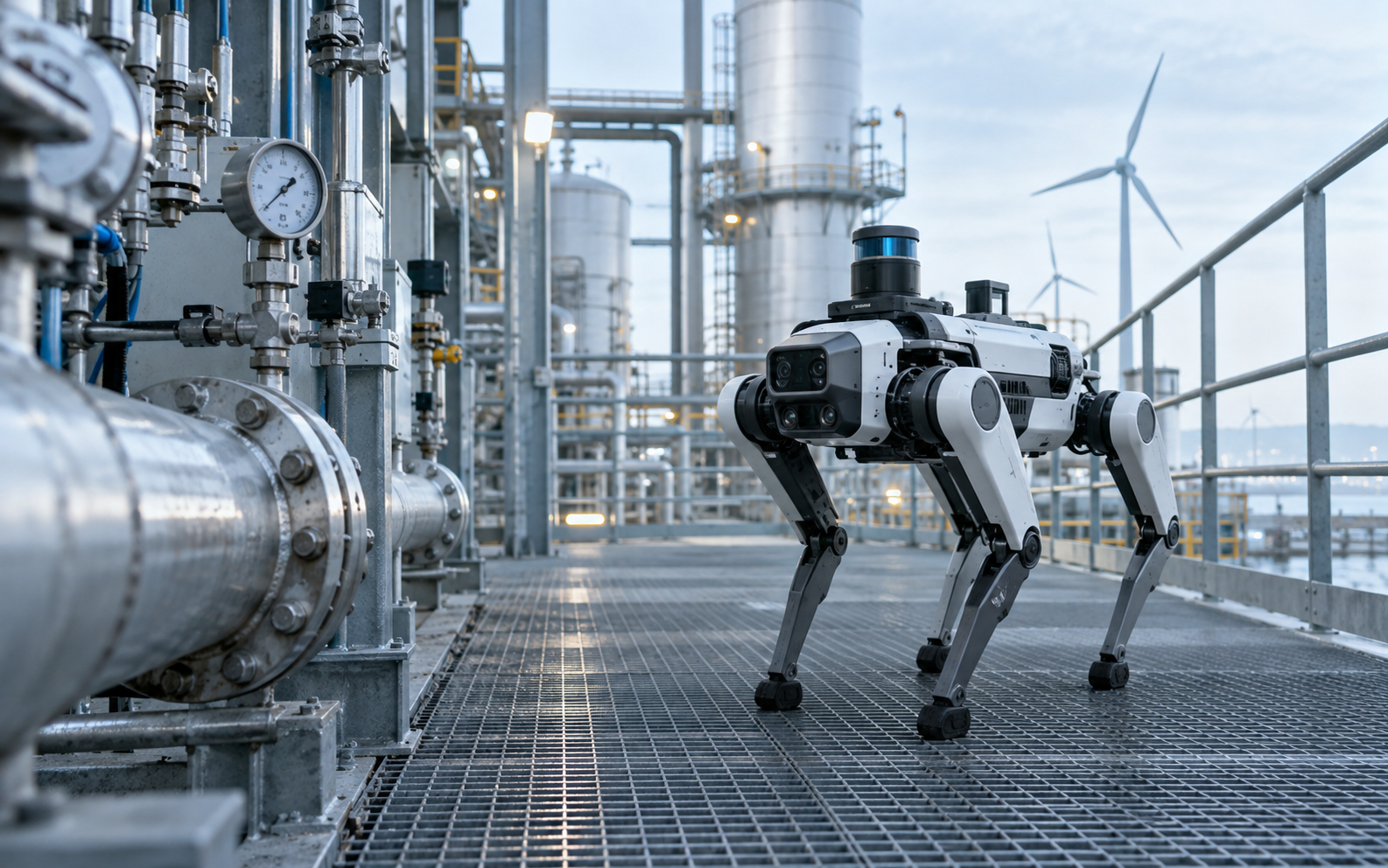
 Illustrative scene
Industrial inspection
Autonomous navigation, anomaly detection, task scheduling and remote operations.
Prepare a solution brief
Choose the robot platform, sensors and task software around your site, workflow, data and operations.
Prepare a solution briefExplore inspection, emergency operations, education and research, and systems integration.
Illustrative sceneAutonomous navigation, anomaly detection, task scheduling and remote operations.
Prepare a solution brief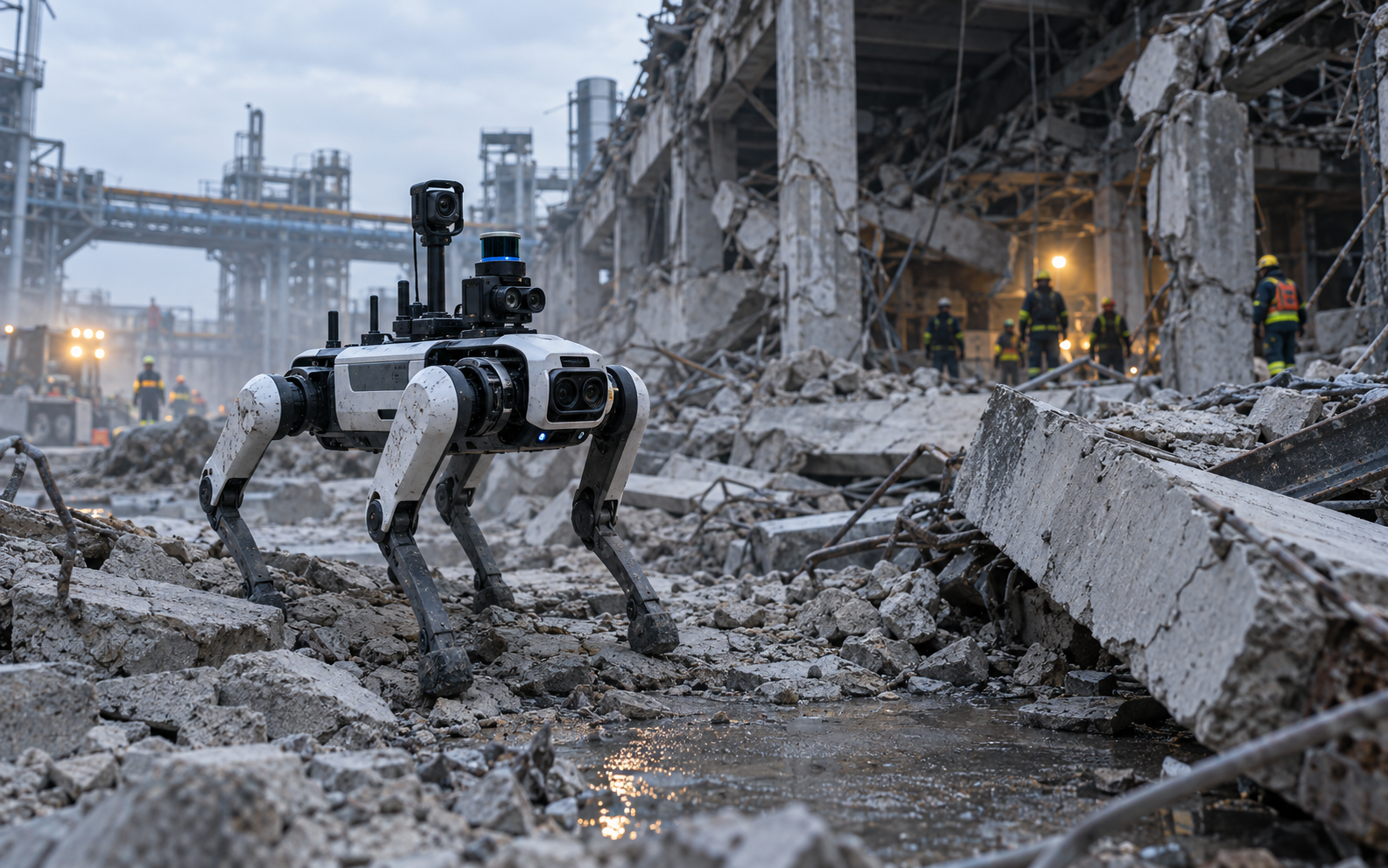 Illustrative scene
Access high-risk and hard-to-reach sites with limited information.
Prepare a solution brief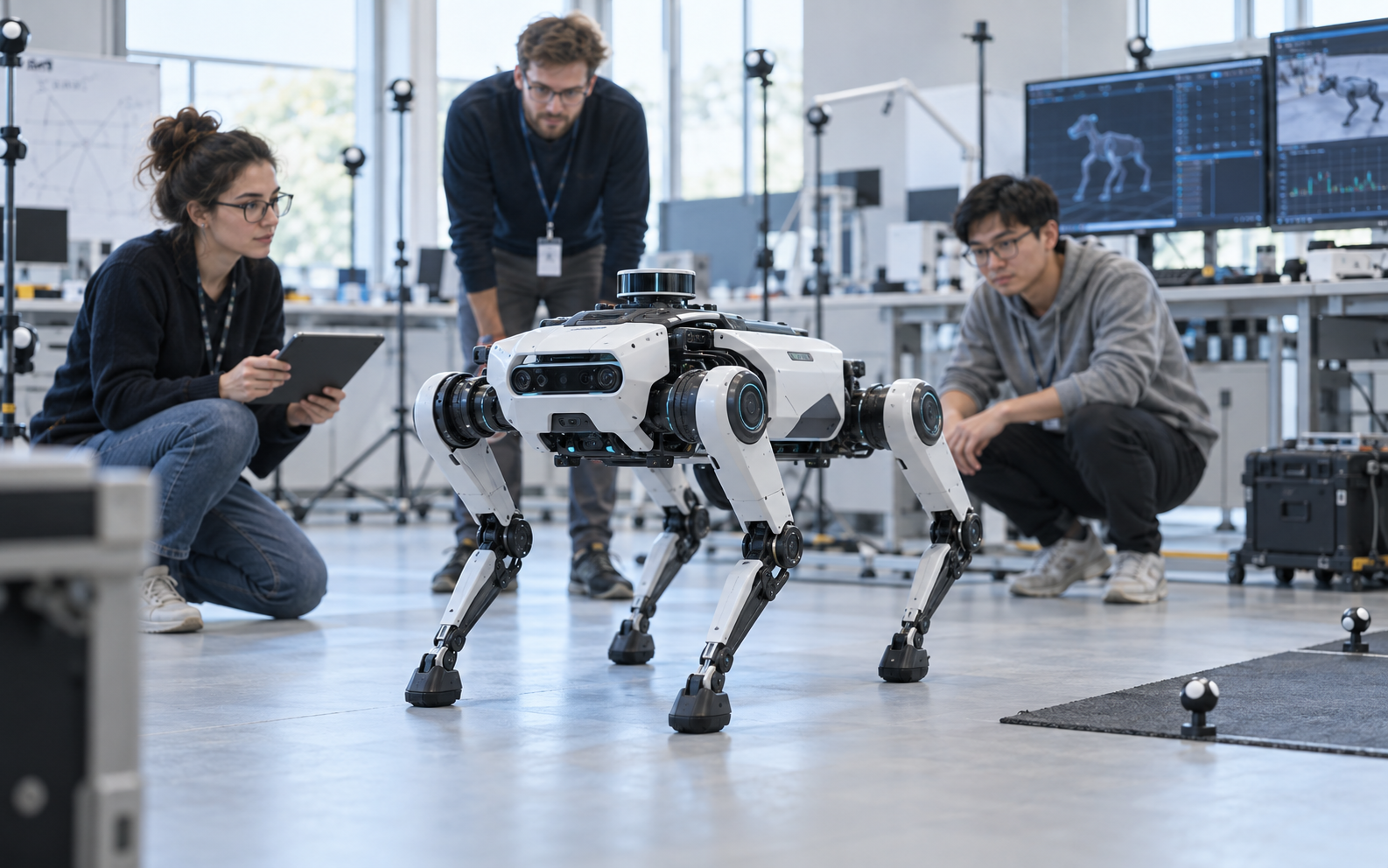 Illustrative scene
Connect coursework, algorithm validation, competitions and student collaboration.
Prepare a solution brief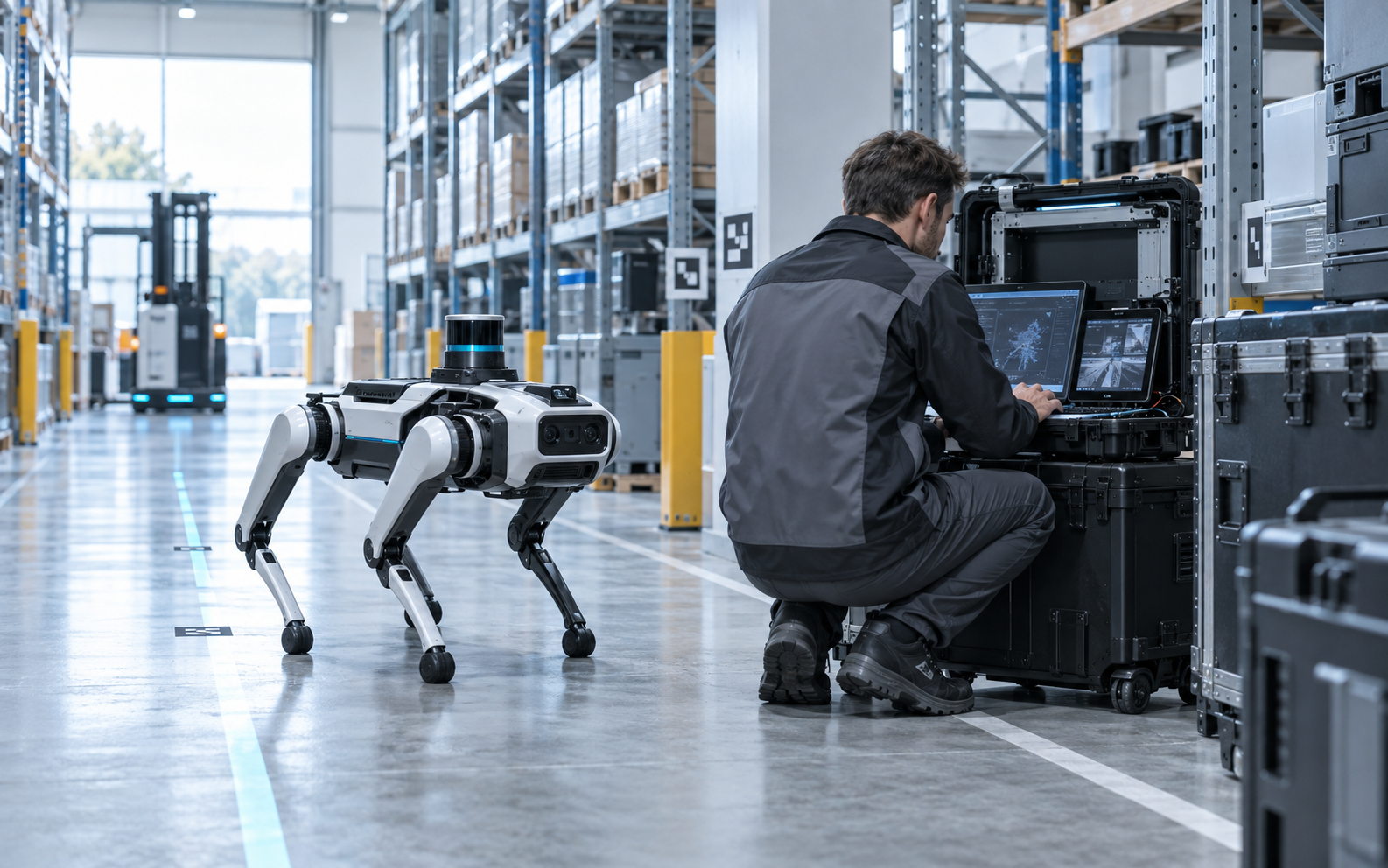 Illustrative scene
Open interfaces, payload adaptation and integrated delivery support.
Prepare a solution briefUse robot hardware, an open SDK, simulation environments and course materials for classroom experiments, algorithm testing and real-robot development.
Designed for education, development and lightweight research.
Open interfaces, SDKs and ROS support for development and extensions.
Cover hardware, ROS, SLAM, AI and embodied intelligence.
Connect classes, competitions, projects and developer communities.
Configure routes, data collection points and schedules. Review equipment states, anomaly alerts and task records through remote operations.
Autonomous navigation, waypoint arrival and automatic recharging.
Identify meter readings, thermal anomalies, equipment states and environmental anomalies.
Configure routes, inspection points, schedules and actions in a unified workflow.
Monitor status, receive alerts, take remote control and review historical data.
Validate, configure and deploy around a real task.
Define environment, task, data and operational requirements.
Validate critical tasks in simulation and on real robots.
Select the platform, sensors and system configuration.
Integrate interfaces, tasks and the site environment.
Use task data to improve products and models.